From a sentence to a draft you can edit and launch.
Penwright combines a chat brief, a document draft, marketing visuals and a promo storyboard into one workflow. The drafts are informational templates for you to review — not legal advice.
Chat — describe what you need
Say which document you need, your audience, tone and any key terms. Penwright returns a structured draft: a document outline, a drafted body with editable [BRACKETED] fields, solicitor-review flags, matching marketing copy and tone tags.
Image — marketing visuals
Penwright prepares up to six visual directions to react to: a brand starter board, social post set, landing hero, pitch one-pager, email header graphics and an ad creative set.
Video — a promo storyboard
Assemble a 15-second promo explainer, founder intro or social teaser from your draft and marketing, exported as a scene sequence for 16:9 and 9:16.
Export — Business Kit
Download a single kit: the document draft (with bracketed fields and review flags), marketing copy, your chosen visuals and the promo storyboard. Every draft carries the not-legal-advice footer.
The six marketing visual directions
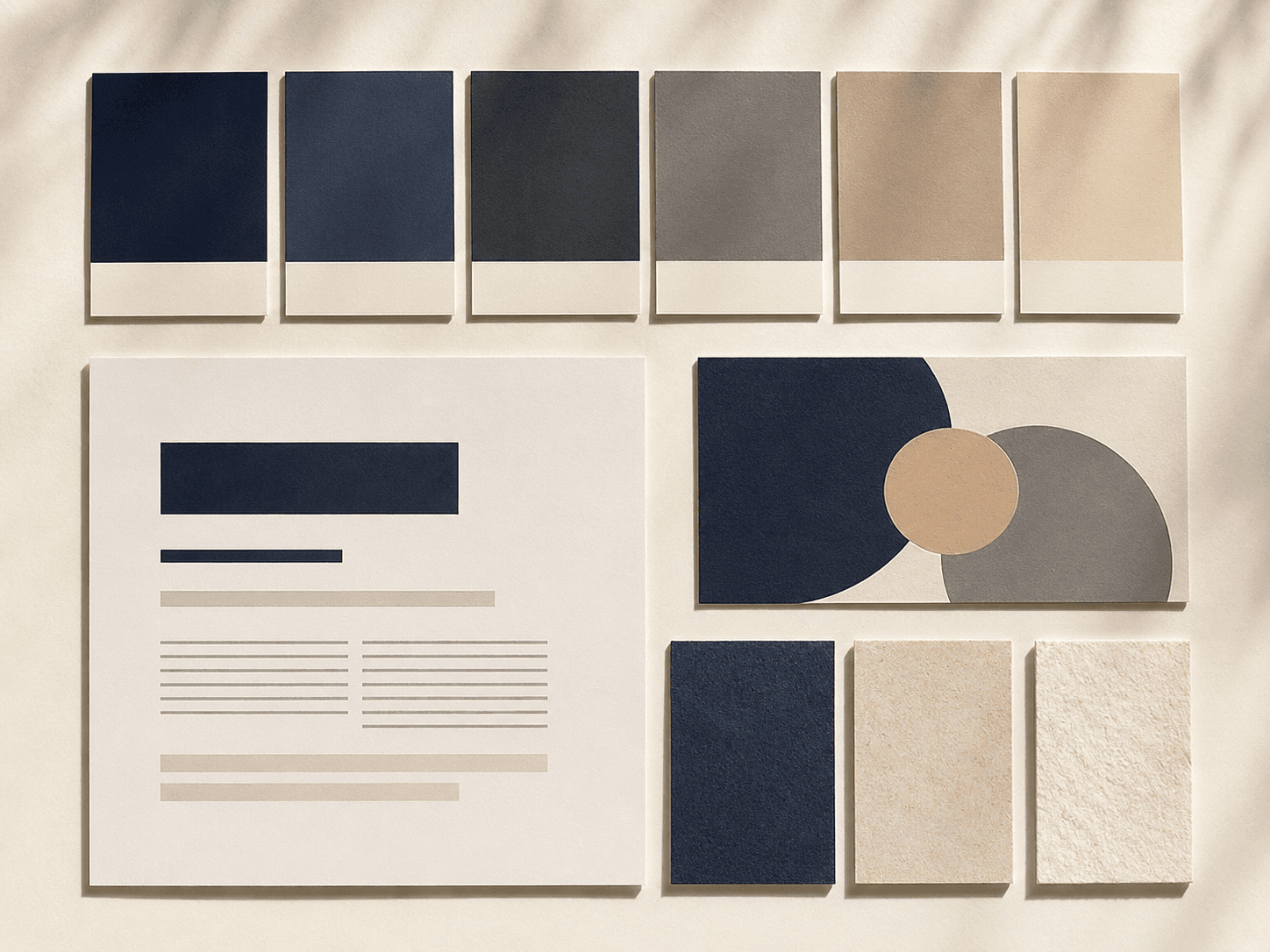
Brand starter board
Colour, type and logo direction on one board.
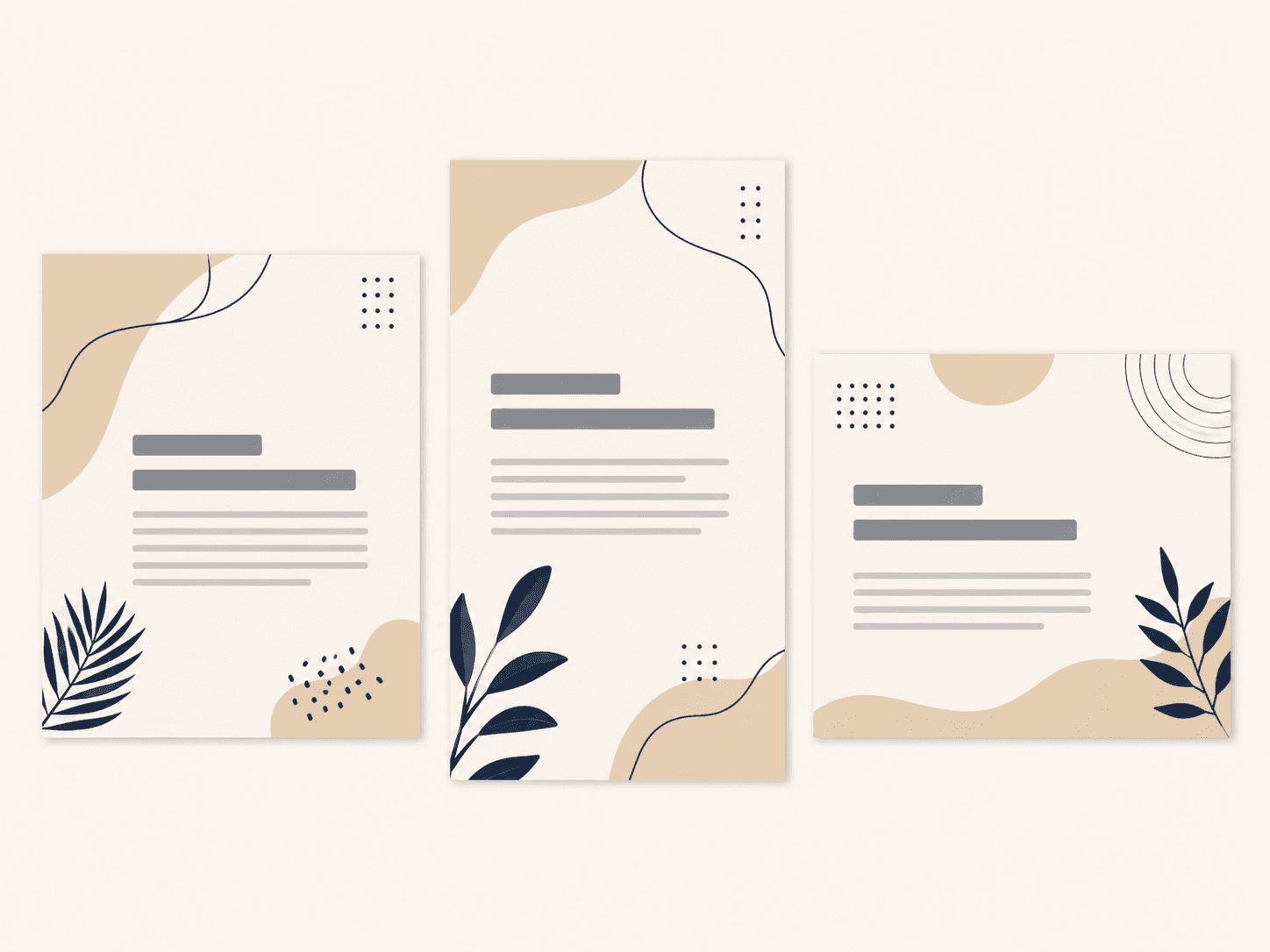
Social post set
Multi-ratio social templates ready to fill.

Landing hero visual
A homepage / landing hero concept for your site.
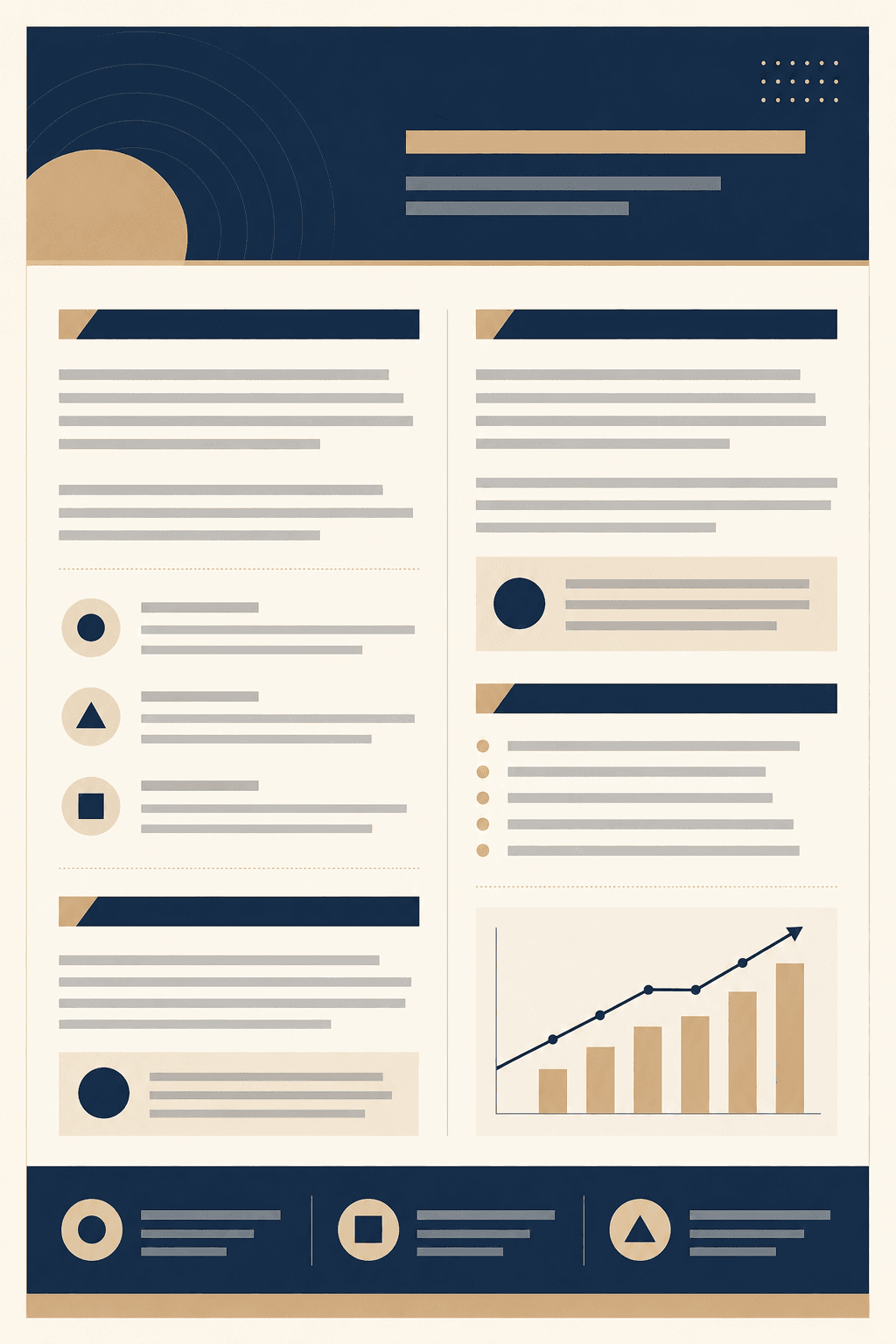
Pitch one-pager
A one-page proposal / summary layout to send.

Email header graphics
Header art for your email marketing sequence.

Ad creative set
Ad placements with an open headline space, no overstated claims.
Not legal advice. This draft is a general, informational template only. It is not legal, tax or financial advice, creates no solicitor-client relationship, and is not guaranteed to be valid or enforceable in any jurisdiction. AI output can be wrong or outdated — have a qualified solicitor review anything important or binding before you use it.